Units & NATO Symbology
Where an actor is the force, a unit is a specific element of that force on the ground — a brigade, a battery, a column. The distinction is the same as between a company and one of its delivery trucks: you reason about the company's strategy, but it's the trucks you actually see moving. Units carry position, heading, and speed, and they're drawn with standard NATO symbology so the map reads the way a military analyst expects.
Units also drive territorial analysis: their positions are what an actor's control territory is drawn around (see Actors & Territory). A unit you place isn't just a marker — it sharpens the actor's whole footprint.
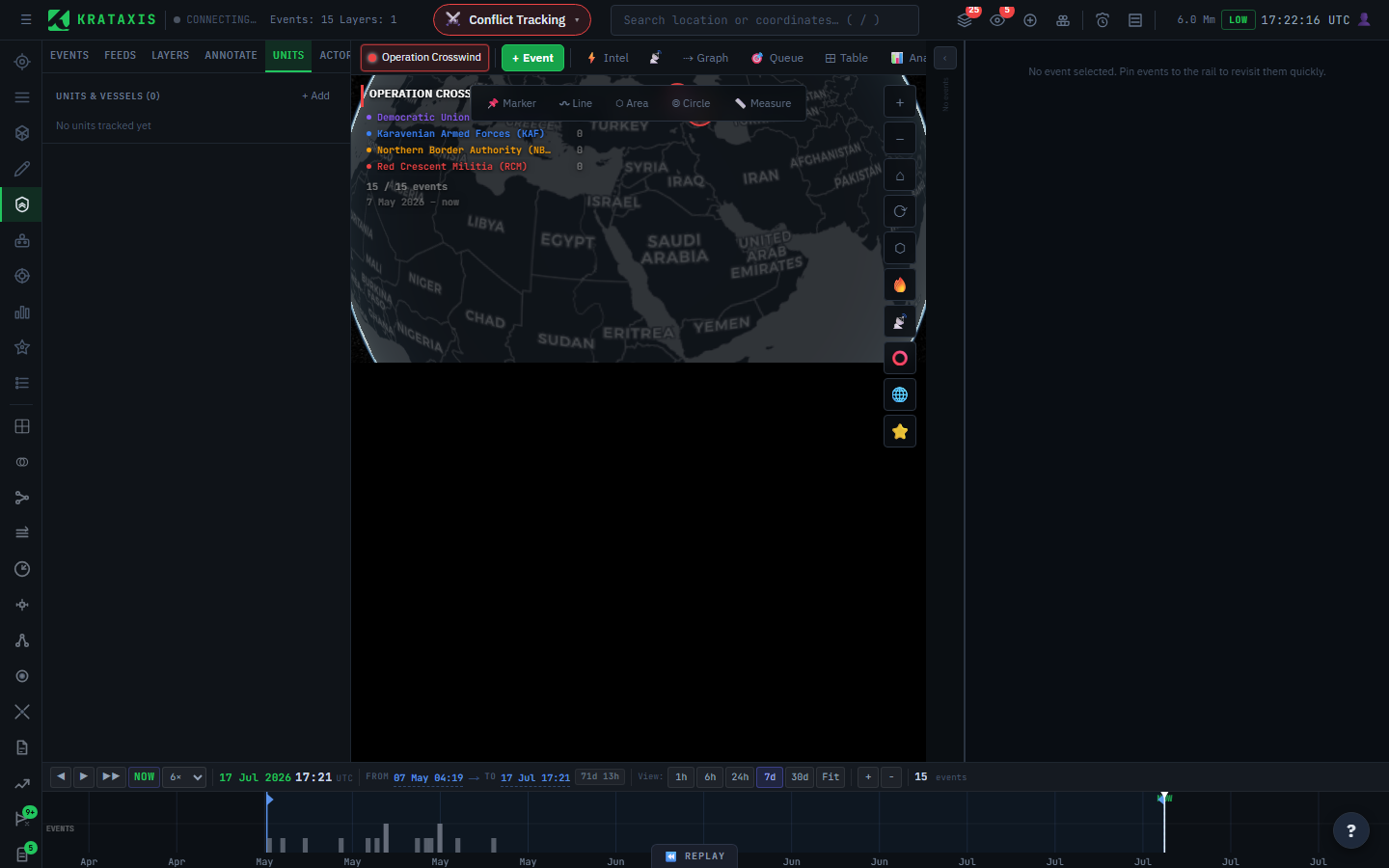
Creating a unit
Open the unit form and set:
| Field | Notes |
|---|---|
| Name | The unit's name |
| Affiliation | Friendly / hostile / neutral / unknown — drives the symbol frame |
| Actor | Link the unit to the actor that owns it (search the actor roster) |
| Position | Latitude / longitude in decimal degrees |
| Heading / Speed | Optional — heading 0–360°, speed in kts or km/h |
| Range rings | Optional concentric rings (a range and a label) to show weapon or sensor reach |
Linking a unit to an actor is what ties it into that actor's control territory and wider picture, so set it whenever you know the owner.
The NATO symbol
Each unit carries a NATO-standard symbol — the familiar scheme of affiliation frames (friendly, hostile, neutral, unknown) and function icons (infantry, armour, artillery, and so on). If you've not met the scheme before: the frame shape and colour say whose side a unit is on, and the icon inside says what kind of unit it is — two independent facts, encoded independently, exactly like the ESC code does for events.
The symbol editor gives you:
- A live preview as you edit, so you see exactly what will appear on the map. An invalid symbol is flagged rather than rendered.
- A style toggle — stylised draws a clean icon with no affiliation frame; the standard style draws the full framed symbol with affiliation colour.
- A clear button to reset and start over.
The unit's affiliation feeds the symbol's frame, so set it correctly — colour-coded affiliation is the first thing another analyst reads from the symbol.
Units use NATO symbols; events use the ESC code. They're different schemes for different things, and they never mix — see ESC Codes & Symbology.
Working with units on the map
- Click a unit to open the Unit Inspector for its full detail.
- Units expose a radial menu for quick actions directly on the map, so you can act without opening a panel.
- Range rings, heading, and speed render alongside the symbol to convey posture at a glance — a column under way with its reach shown reads very differently from a static position.
The point of all this drawing is speed of comprehension. A well-symbolised map answers "who's where, what kind, moving which way, able to reach what?" before you've clicked anything.
Where to next
- Actors & Territory — how unit positions become an actor's control territory.
- ESC Codes & Symbology — keeping unit symbols and event codes straight.